

Voice Lift로 편안한 환경 만들기
Voice Lift란?
보이스 리프트(Voice Lift)는 같은 방에 있는 사람들이 어디에서나 목소리를 선명하게 들을 수 있도록 해줍니다. 휴대용 마이크와 파워 앰프를 사용하여 음성을 증폭하는 PA와 달리, 이 솔루션은 사람들이 자연스러운 볼륨으로 화자의 음성을 들을 수 있도록 해줍니다.
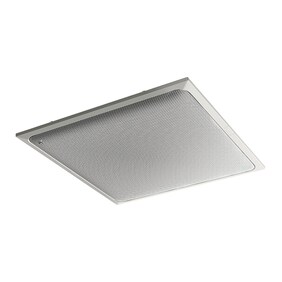
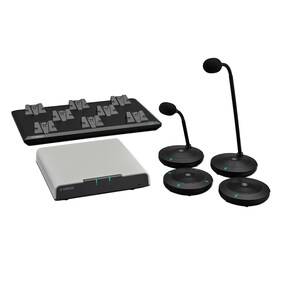
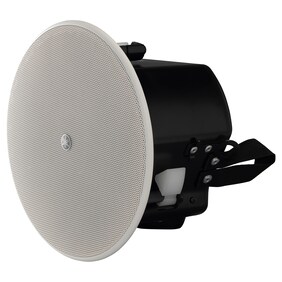
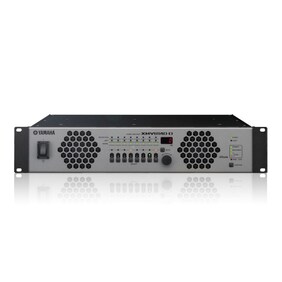
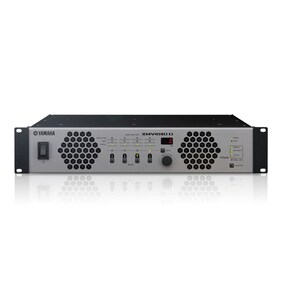
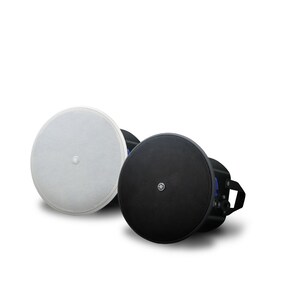
예를 들어, 천장 어레이 마이크, 프로세서, 파워 앰프, 천장 설치형 스피커를 갖춘 음성 리프트 시스템은 사람의 음성이 도달하기 어려운 대형 회의실, 학교 강의실 및 기타 환경에서 편안한 회의 및 세미나 환경을 제공합니다.
노력은 최소로, 결과는 프로페셔널하게 — Voice Lift 자동 설계 & 설정
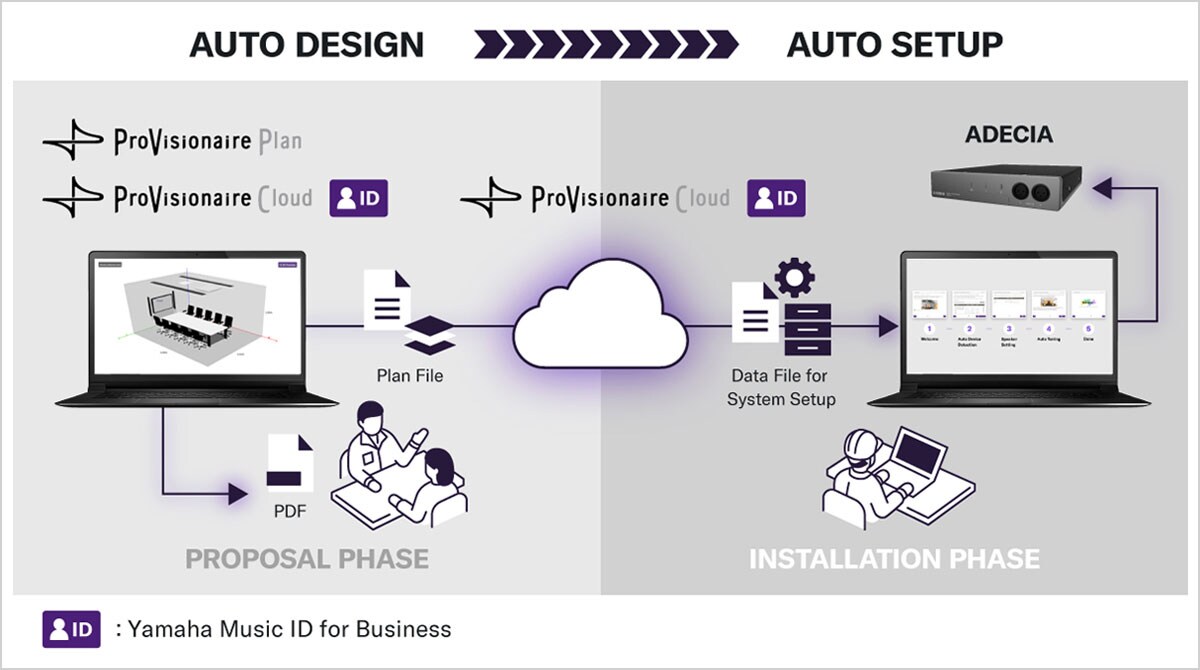
기기 선택부터 오디오 튜닝까지, ProVisionaire Plan 및 ProVisionaire Cloud의 Room Design 도구와 ADECIA 컨퍼런싱 솔루션이 전체 과정을 자동화하여, 대형 공간에서도 명확하고 자연스러운 사운드를 제공합니다.
*이 기능은 ADECIA 펌웨어 버전 3.0 이상에서 지원됩니다.
-
[설계]
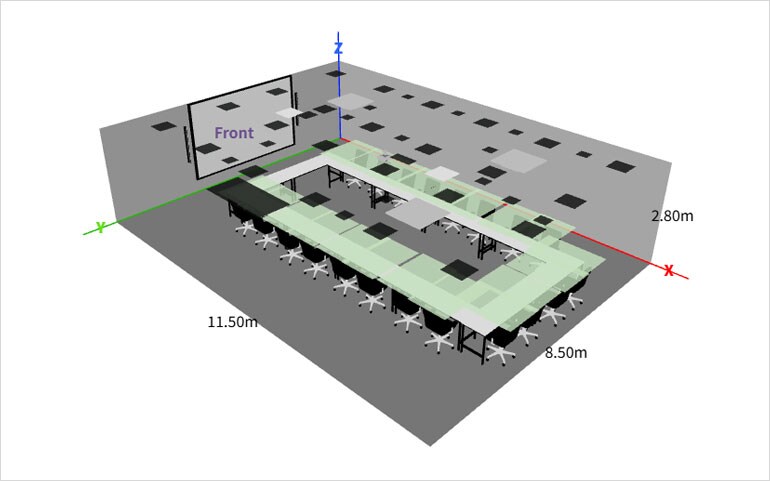
ProVisionaire Plan 또는 ProVisionaire Cloud의 Room Planner에 방 레이아웃을 입력하기만 하면, 시스템이 자동으로 최적의 마이크 및 스피커 구성을 설계합니다. 브라우저만으로 손쉽게 완성할 수 있습니다.
결과물은 PDF로 내보낼 수 있어, 여러 개의 설계안을 손쉽게 제작할 수 있습니다.
* 참고: ProVisionaire Cloud를 사용하기 위해서는 Yamaha Music ID for Business 계정이 필요합니다.
-
[데이터 가져오기]
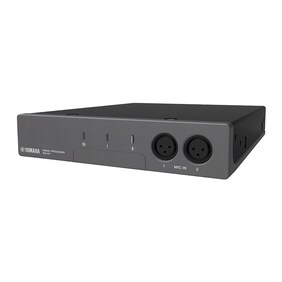
ProVisionaire Cloud에서 자동 생성된 설계 파일을 다운로두한 후, ADECIA 프로세서 RM-CR에 가져오기만 하면 됩니다.
* 참고: ProVisionaire Plan에서 생성한 Voice Lift 시스템 설계 데이터는 RM-CR로 가져올 수 없습니다. RM-CR의 Voice Lift 기능을 자동 설정하려면, ProVisionaire Cloud - Room Planner에서 생성한 데이터 파일을 가져와야 합니다.

-
[설정 및 튜닝]
Auto Setup Wizard의 안내를 따라 진행하면, 모든 장치 설정·측정·튜닝이 자동으로 완료됩니다.

AI Room Modeler — 이미지 인식 기능
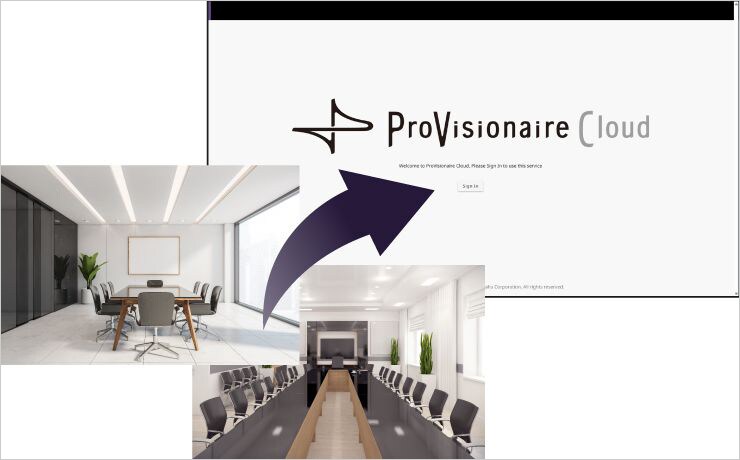
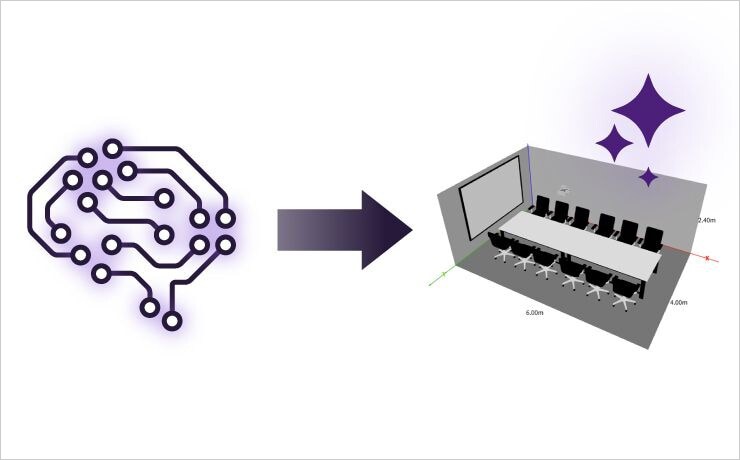
사진 한 장을 업로드하면 AI 이미지 인식을 통해 방의 조건을 추정합니다. AI는 가구 배치, 벽체 자재 등 주요 요소를 분석해, 새로운 룸 플랜 생성 시 흡음 특성을 포함한 공간 조건을 자동으로 추정합니다.
* AI가 생성한 추정값에는 오류가 포함될 수 있습니다. 실제 방 구조에 맞게 결과를 수정하여 사용하시기 바랍니다.
-
공간 사진 업로드
-
AI가 방 조건을 추정
-
자동 레이아웃 생성

Voice Lift 시스템이 필요한 환경
보이스 리프트 시스템은 크게 프레젠테이션 스타일과 회의 스타일 두 가지가 있습니다.
프레젠테이션 스타일은 한 명 또는 여러 명의 발표자가 청중과 대면하여 발표하는 단방향 커뮤니케이션에 사용되며, 컨퍼런스 스타일은 여러 사람 간의 양방향 커뮤니케이션에 사용됩니다. 두 경우 모두 보이스 리프트는 사람들이 서로의 목소리를 듣는 데 어려움을 겪을 때 효과적입니다.
-
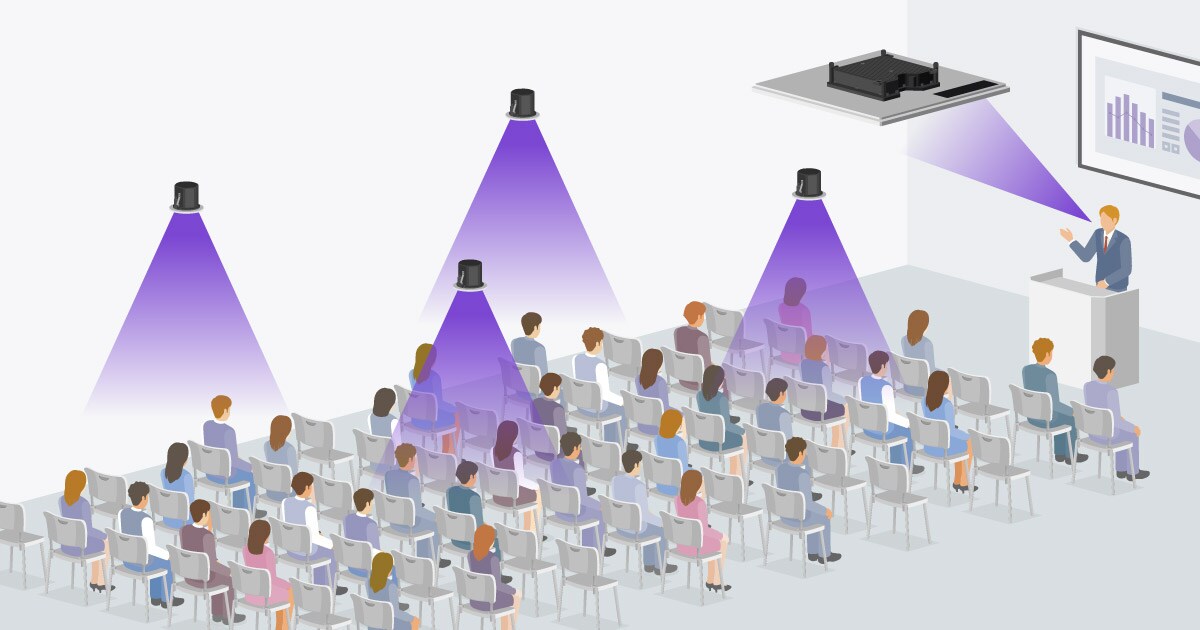
프레젠테이션 스타일
RM-CG 천장 어레이 마이크는 발표자 위에 1~2개 설치되어 회의실이나 대학 강의실에서 발표자의 목소리를 방 전체에 전달합니다. 청중 위에 고르게 설치된 천장 스피커는 방 안 어디에 있든 편안한 오디오 경험을 제공할 수 있습니다.
-
컨퍼런스 스타일
여러 사람이 말하는 회의실에서는 여러 개의 마이크와 천장 스피커를 사용하여 모든 참석자에게 이해하기 쉬운 음성을 전달합니다. 말하는 사람과 가까운 천장 마이크는 목소리를 감지하고 마이크에서 멀리 떨어진 스피커는 음성을 출력하지만 사람과 가까운 스피커는 음소거됩니다. 도달하기 어려운 스피커의 실제 음성을 지원하는 보이스 리프트 시스템을 사용하여 방 어디에서나 말하고 들을 수 있습니다.
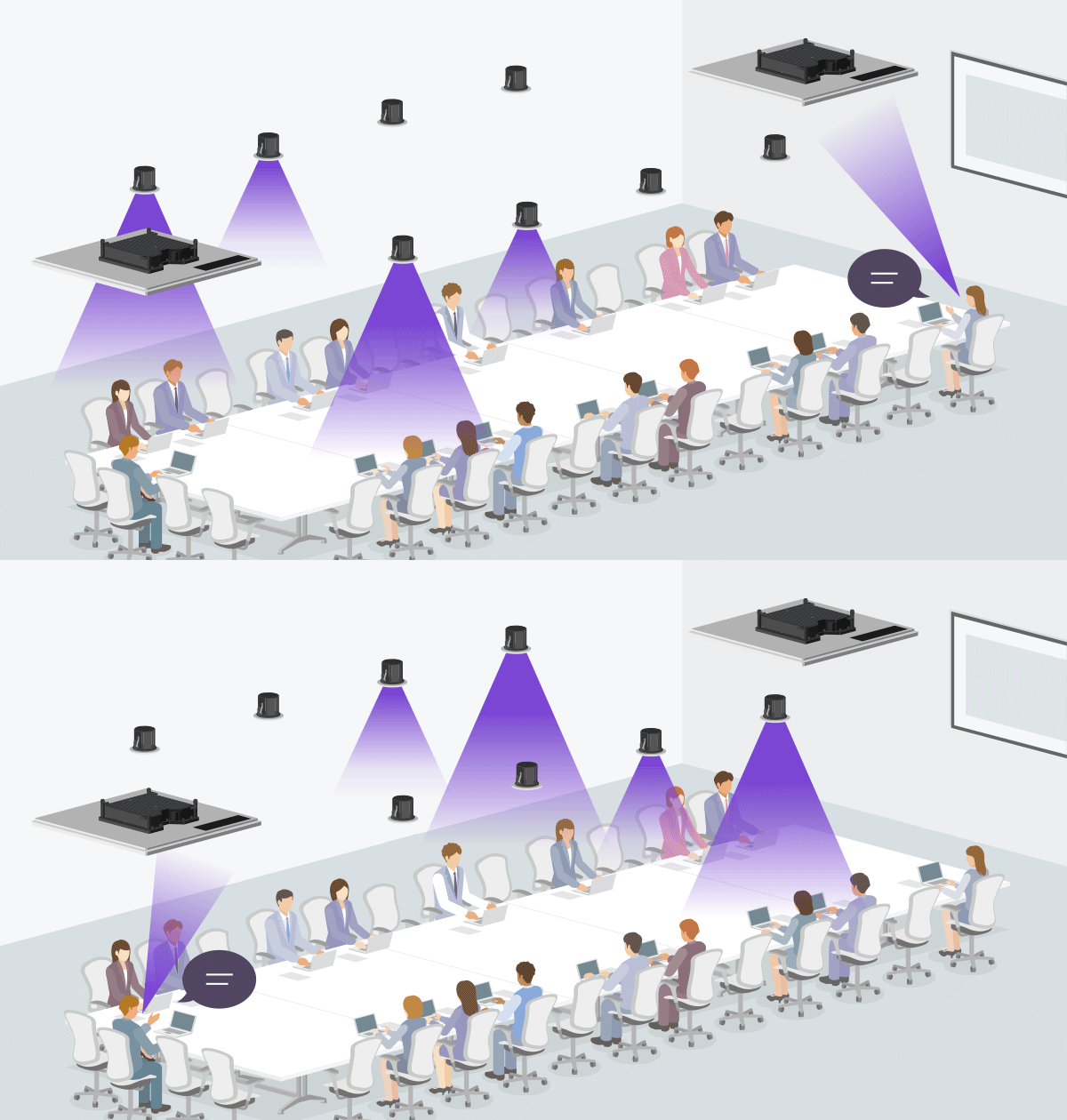
Voice Lift 시스템 예시
프레젠테이션 룸


회의에서 여러 사람이 돌아가면서 발표를 할 때, 여러 개의 휴대용 또는 라발리어 마이크를 설정하고 관리하거나 발표자와 한 개의 마이크만 공유하는 것은 시간이 많이 걸리고 어려울 수 있습니다. 보이스 리프트 시스템은 마이크에 대한 걱정 없이 부드러운 작동으로 차례대로 발표를 허용합니다. 게다가 RM-CG 마이크는 4개의 빔으로 최대 4명의 스피커의 음성을 동시에 감지하고 추적할 수 있습니다.
강의실


대학교, 직업학교 및 기타 교육 기관의 강의장에서는 모든 학생들에게 고르게 강의를 전달할 필요가 있습니다. 어떤 경우에는, 강사들이 강의를 위해 휴대용 또는 라발리어 마이크를 사용하지만, 복장에 따라 라발리어 마이크를 착용하지 못하거나, 교재와 펜 등을 사용하느라 마이크를 들고 있기 어려운 상황일 수 있습니다. 보이스 리프트 시스템이 있으면 강사들은 마이크 걱정 없이 강의할 수 있고, 학생들은 편안하게 강의를 들을 수 있습니다.

컨퍼런스 룸


회의실에서 회의나 토론을 할 때, 상대방이 무엇을 말하는지 알아들을 수 없다면 큰 혼란이 생길 수 있습니다. 이때 하나의 휴대용 마이크를 발표자 여러 명이 공유하거나 인원 수에 맞춰 충분한 마이크를 준비하는 것은 효율적이지 않을 수 있습니다. 회의 스타일의 보이스 리프트 시스템으로, 참가자들은 앉아 있는 위치에 상관 없이 편하게 말하고 들을 수 있습니다. 이 시스템을 사용하면 심지어 하이브리드 회의에서 원격으로 상대방과 원활한 의사소통도 가능합니다.
ADECIA로 구현하는 Voice Lift 자동 설계 & 설정 활용 예시


하이브리드 회의와 인터랙티브 수업부터 액티브 러닝 환경까지—공간의 크기, 레이아웃, 용도는 다양하지만, ADECIA와 ProVisionaire Plan/ProVisionaire Cloud를 사용하면 Voice Lift 설치를 매우 간편하게 수행할 수 있습니다.
대형 공간이나 재구성 가능한 공간에서도 PC 한 대만으로 복잡한 음향 조정을 몇 분 만에 완료할 수 있습니다. 회의실, 교실, 또는 다목적 공간 등 어떤 환경을 설계하든, 최대 15 x 15미터 규모의 공간을 지원하ADECIA와 ProVisionaire Plan/ProVisionaire Cloud는 청중이 어디에 있든 명료하고 자연스러우며 균형 잡힌 음성을 제공합니다.