


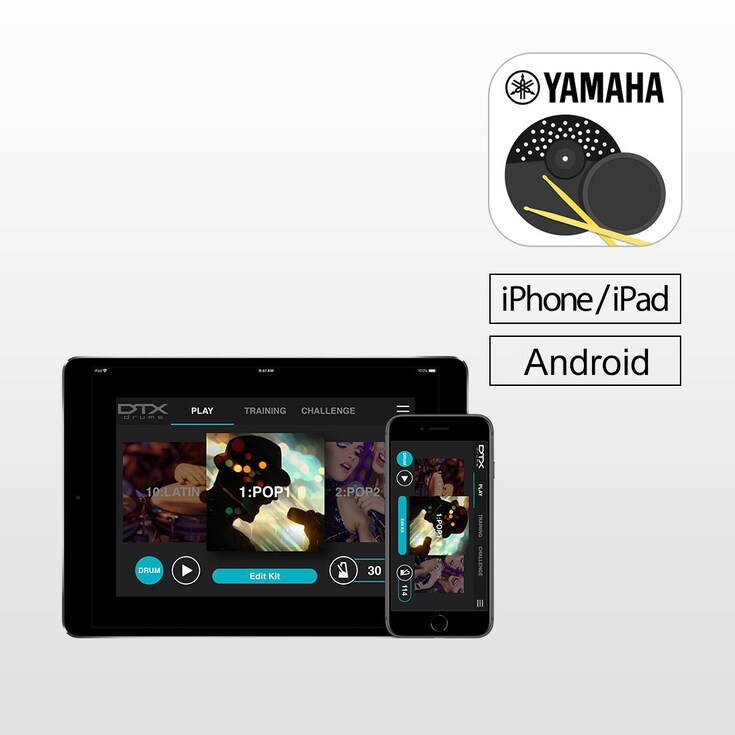
DTX402 터치는 Yamaha DTX 402 시리즈 전자 드럼을 위한 iOS/Android 앱 전용입니다. DTX402 터치에는 10개의 연습 모드와 챌린지 모드가 있어 연주 실력을 빠르게 향상시킬 수 있습니다. 또한, 간단하게 스와이핑만 해서 맞춤 키트 및 곡 선정, 메트로놈 설정, 연주 스타일에 맞는 트리깅 파라미터 조정을 할 수 있습니다. *앱을 사용하려면 iPhone/iPad용 USB 케이블 및 라이트링 USB 어댑터 또는 Android용 OTG 케이블을 사용해 스마트 기기에 연결하셔야 합니다.



기능
Get a Drummer's Certificate
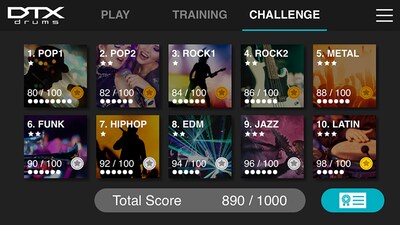
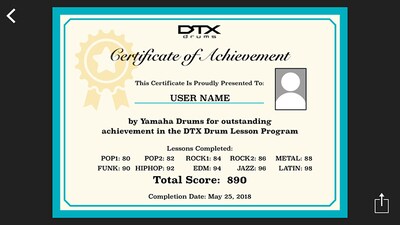
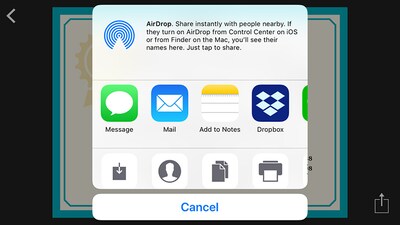
“Challenge Mode” is a new function on the DTX402 Touch that tests your skill. If you can play all 10 practice songs without making a mistake, you will receive a “Drummer’s Certificate” from the Yamaha DTX drum team that you can share via social media.
Learn While Having Fun
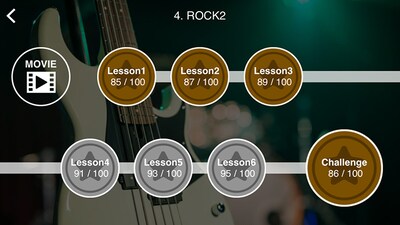
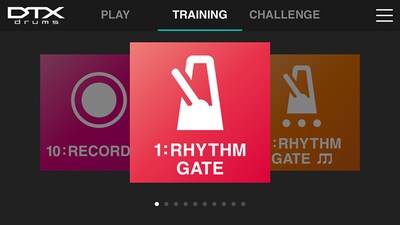
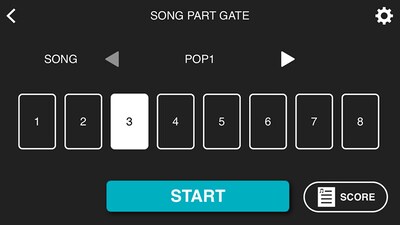
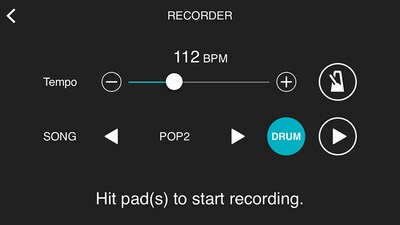
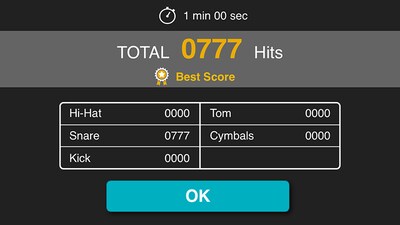
Specially designed for drummers at any skill level, the DTX402 Touch has 10 Training Modes designed to make you a better player, faster. The exercises are a fun way to learn to read drum music notation, play with dynamics and develop your sense of timing. "Rhythm Gate" improves your timing accuracy by only allowing you to play rhythms in time with the metronome. “Song Part Gate" teaches you to play each part of the song with correct timing while the "Recorder" function lets you record a drum solo or play along with a song to self-assess your performance. You can also use "Fast Blast" to count the number of drum stokes made within a set period of time. This helps to increase your speed and build stamina.
Make Customized Drum Kits
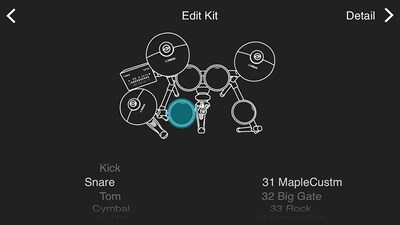
Personalize each of the 10 drum kits with over 280 drum and percussion sounds. Simply touch the drum pads on your screen to change or select a sound, and edit them with tuning, volume, panning, mute and reverb to create your own sound quickly and easily.
Simple and Intuitive Control
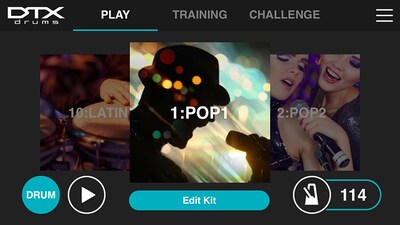
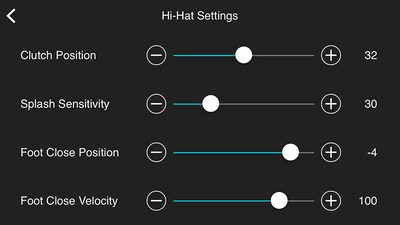
With a simple swipe, you can select and customize kits, song numbers, set up metronome and adjust the trigging parameters for your playing style. You can view this information while playing in Training Mode and learn how to play preset songs with instructional videos featuring industry professionals.
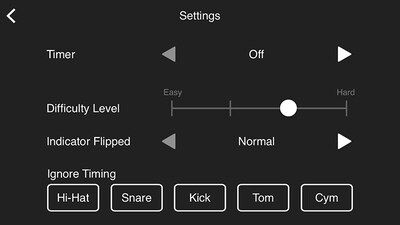
Update Utility
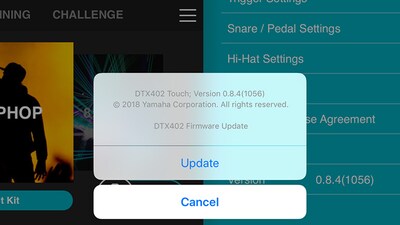
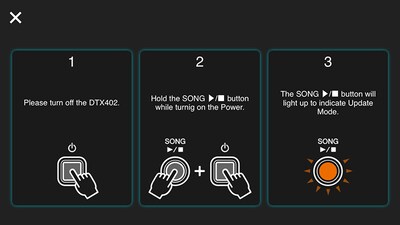
By connecting DTX402 Touch with your smart device and selecting the “Version” tab on the “Menu” screen, the app ensures that your firmware is up to date, so there is no need to download firmware data or connect DTX to your PC.
오디오 & 비디오
아티스트 비디오
-
센리 카와구치(Senri Kawaguchi)의 Yamaha DTX402 연주 - 최대한 빨리 연주하기 -
-
센리 카와구치(Senri Kawaguchi)의 Yamaha DTX402 연주 - 노래와 함께 연습하기 -
튜토리얼 비디오
-
Yamaha "DTX402 Touch" 앱 소개 CHALLENGE 모드
-
Yamaha "DTX402 Touch" 앱 소개 TRAINING 모드
-
Yamaha "DTX402 Touch" 앱 소개 PLAY 모드
Initialise Kit
INITIALISE KIT
Using the DTX402 Touch you can change the settings of the Preset Kits.
If you wish to restore a Kit to it’s default settings please use the following procedure.
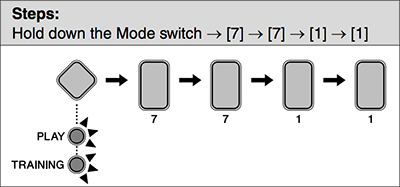
- Press the Mode switch to turn the "PLAY" light on.
- Select a music category you wish to initialize the corresponding kit using the number button [1] to [10].
- Hold down the Mode switch to activate Menu Mode.
- Press the number button [7] to select the Other Settings.
- Press the number button [7] to select Initialize Kit.
- The number button [1] will light up.
- Press the number button [1].
- The number button will start to flash.
- If you do not wish to proceed with initialization, press the Mode switch now to exit Menu Mode.
- Press the number button [1].
- The kit will be initialized.
* 사양은 사전 공지 없이 변경될 수 있습니다. 표시된 색상 및 마감은 실제 제품과 다를 수 있습니다.
